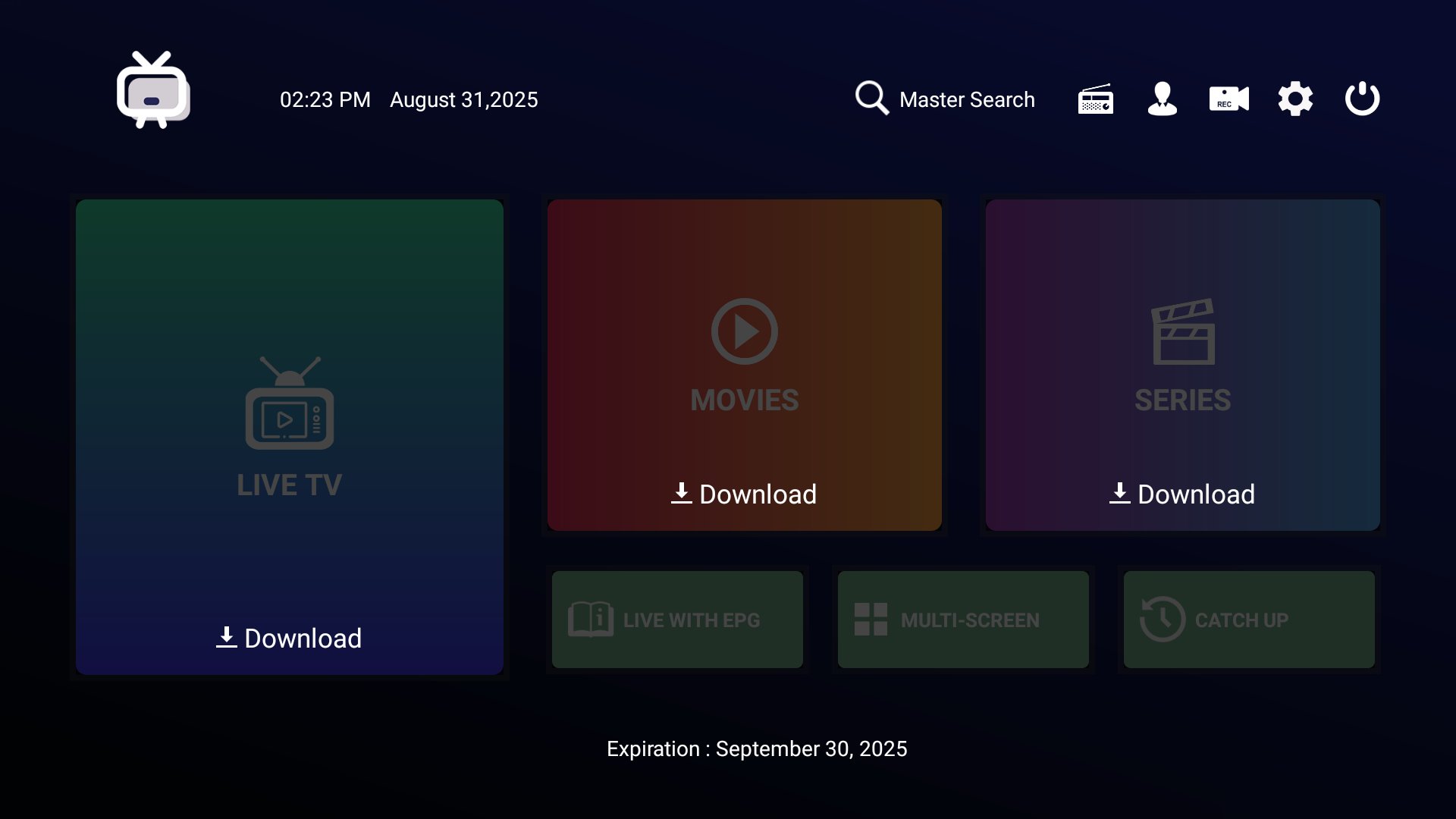
The Generic IPTV App is a flexible option for Stremenify users who prefer a simple interface for streaming. It works with:
-
Google TV
-
Android TV / Android Boxes
-
Android Phones & Tablets
-
Amazon Fire TV & Fire Stick
⚠️ Note: The Generic App is not available in official app stores (Google Play, Apple App Store, Amazon App Store). You’ll need to download and install it manually using the methods below.
Step Guide
-
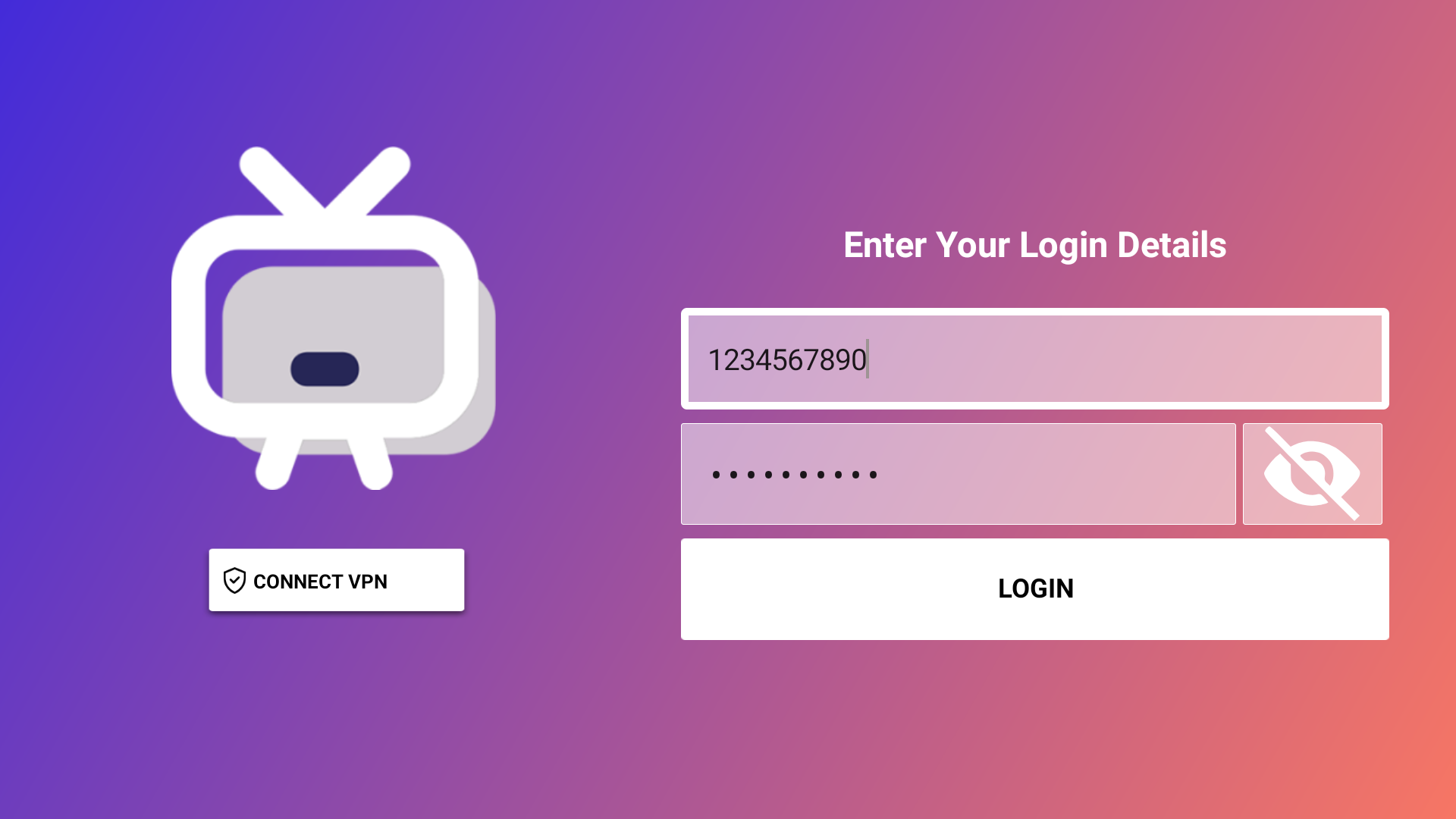
Open the Generic App.
-
Enter the following details (provided in your Stremenify Dashboard):
-
Server Address/URL
-
Your Service Plan Username
-
Your Service Plan Password
-
-
Select Login to load your channels, movies, and TV shows (This may take several minutes, dont close the screen).